


Registration
In order to put your own app in the AppStore and PlayStore, we need some information.
Do you have any questions about registration? View the frequently asked questions about Registration.


Step 1
General information
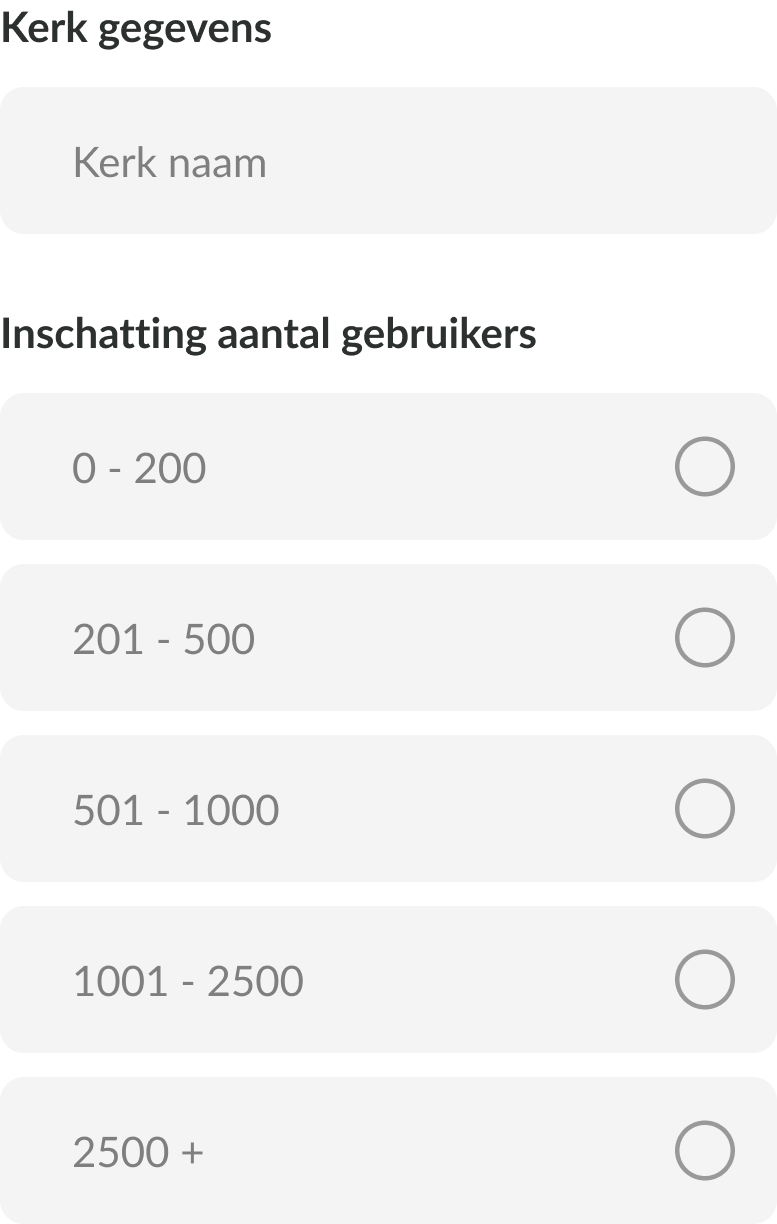
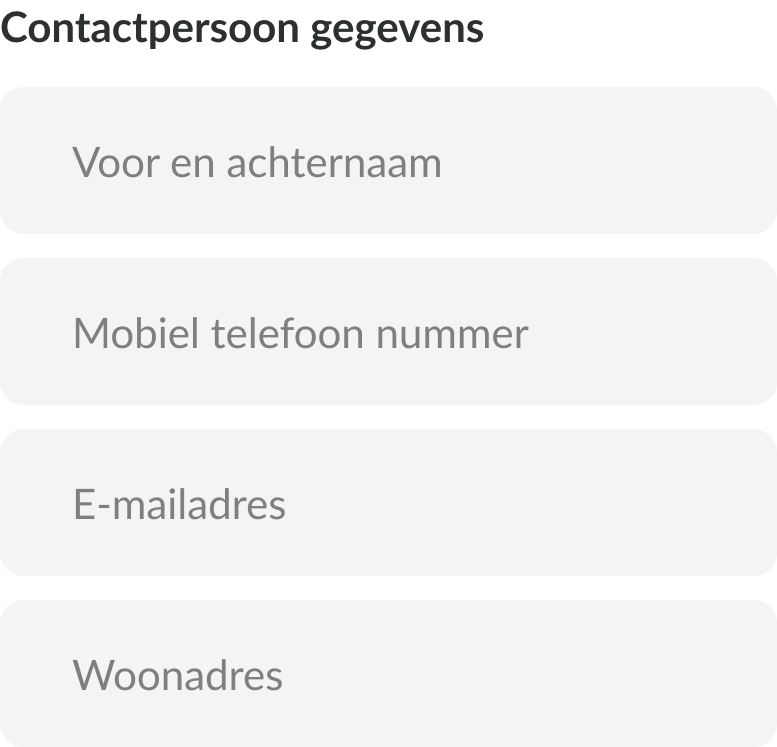
Communication is easiest when we have each other's correct contact information, linked to the correct church or organization. Therefore, we're asking for some information from the person who will be working with us to create the church app.
Your contact information will, of course, only be used for app purposes. The estimated number of users is based on registered users, not members.
Step 2
Details of the authorized signatory
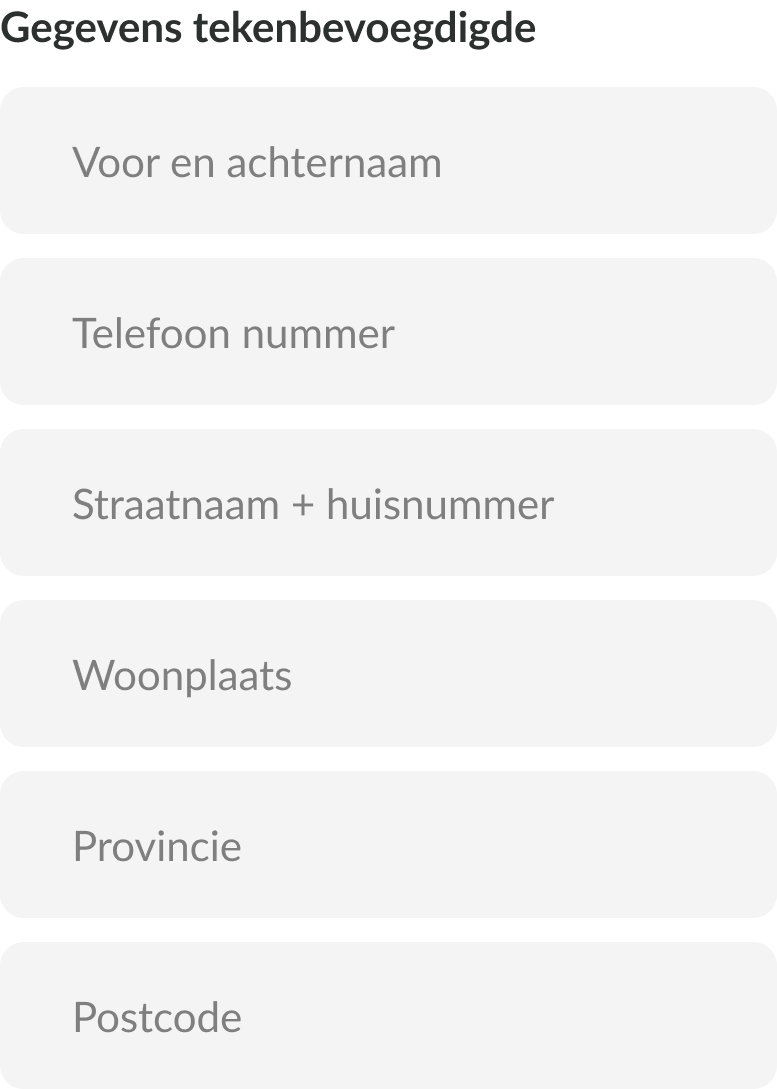
There is always someone authorized to sign a contract on behalf of the church. Please provide this person's information so we can create the correct accounts. Apple will contact them once for verification. We will then create the accounts with this contact person, but we need their information. We also need proof of the church's registration, such as an extract from the Chamber of Commerce. This information will be used to create accounts with Buckaroo (for donations), Apple (for the App Store), and Google (for the Play Store).
Step 3
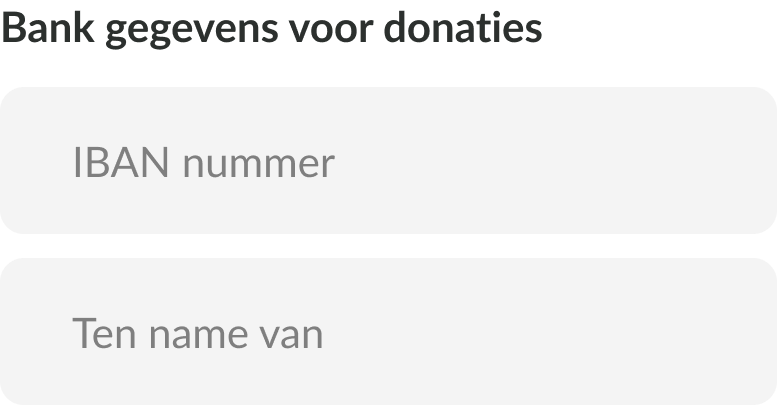
The IBAN of your church
Donations are transferred directly from the user's account to your church's bank account. To facilitate this, we require a bank statement showing the IBAN and the name of the account to which the money should be transferred.
What do we need from you:
Step 4
Payment Service Provider Statement
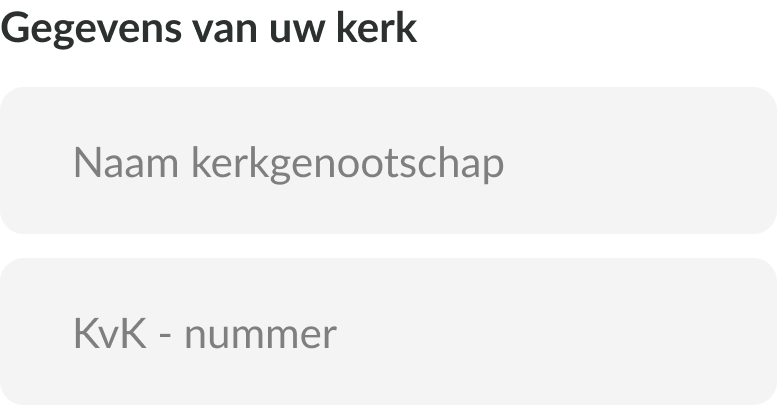
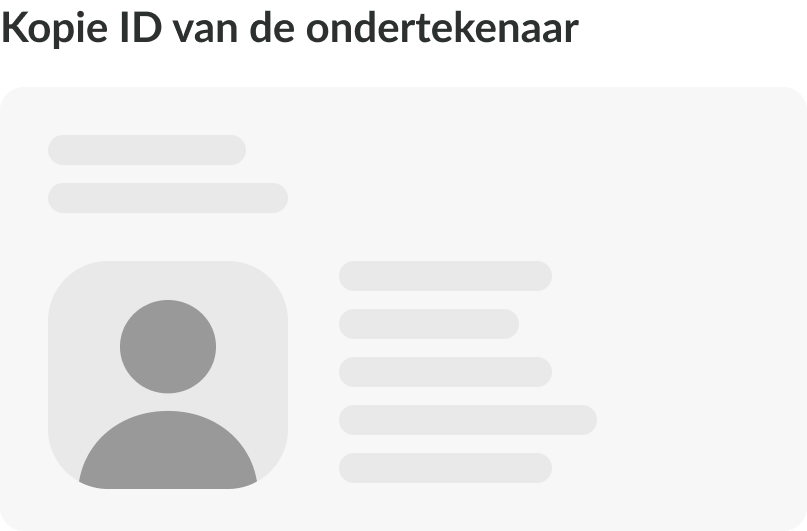
To comply with Financial Supervision laws and regulations, we must provide a statement for our Payment Service Provider, signed by an authorized person within the municipality or organization. Part of this law is KYC (Know Your Customer). Therefore, it is important that this statement includes copies of the ID(s) of the person(s) signing.
What do we need from you:
Congratulations! You have completed all the steps of the first phase.
By completing all the steps mentioned above, we're ready to build the app for you and publish it in the Apple App Store and Google Play Store. We'll handle this work for you, so you don't have to worry about a thing.
But having an app in the app stores doesn't necessarily mean it will help your municipality as much as possible. Read below to find out how the app will contribute to building and maintaining the community.
How do you ensure that your app is deployed successfully?
From setting up the app to tips on app management and how to successfully introduce the app in the municipality, we are happy to help you with everything.
